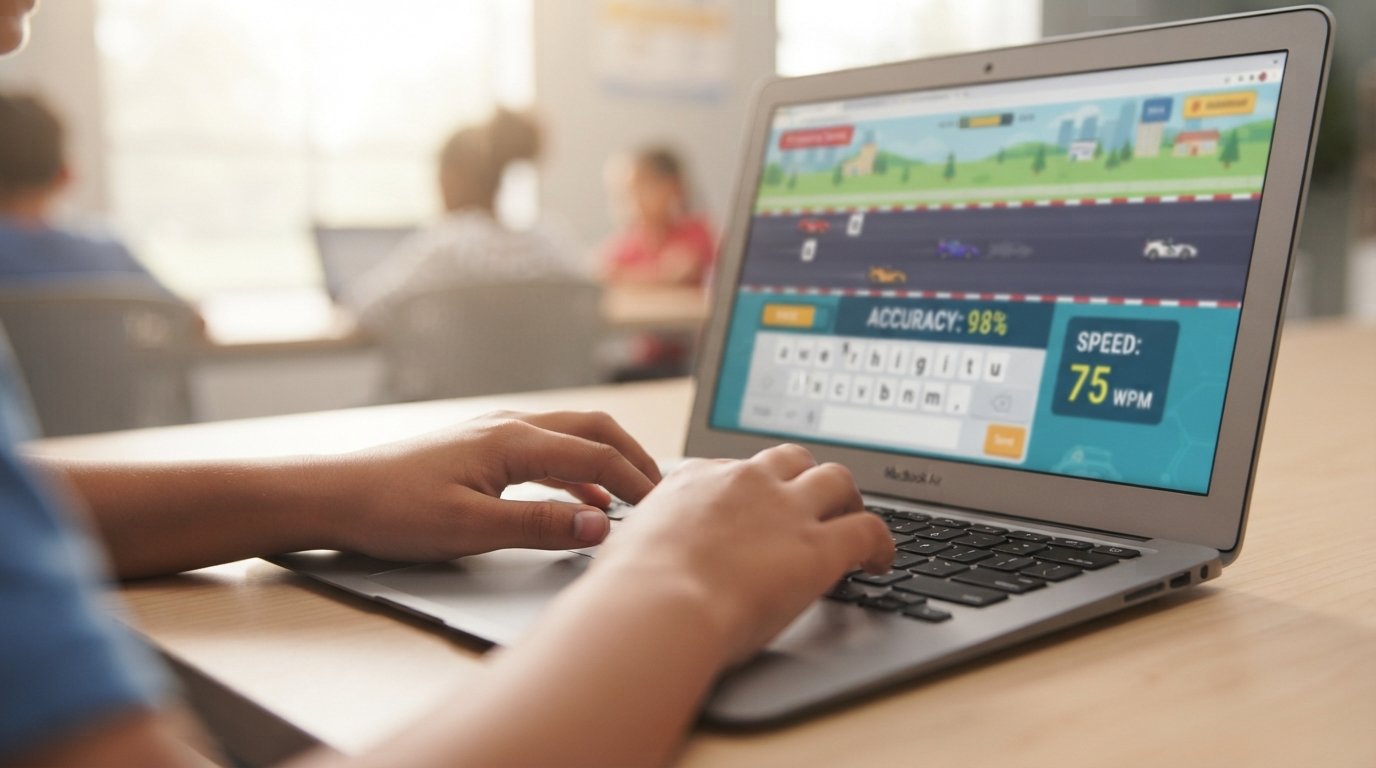
If you have ever searched for a free way to learn how to type, you have probably landed on typing.com. It is one of the most widely used typing platforms in American classrooms, and millions of students, teachers, and homeschool families rely on it every day.
This guide walks through everything typing.com offers. You will learn how the student and teacher logins work, what the lessons and typing tests actually cover, whether the platform is truly free, and how to use it to build real typing speed and accuracy. We researched the platform directly and compared it against other popular typing tools so you get a complete, honest picture rather than a surface-level summary.
What Is Typing.com
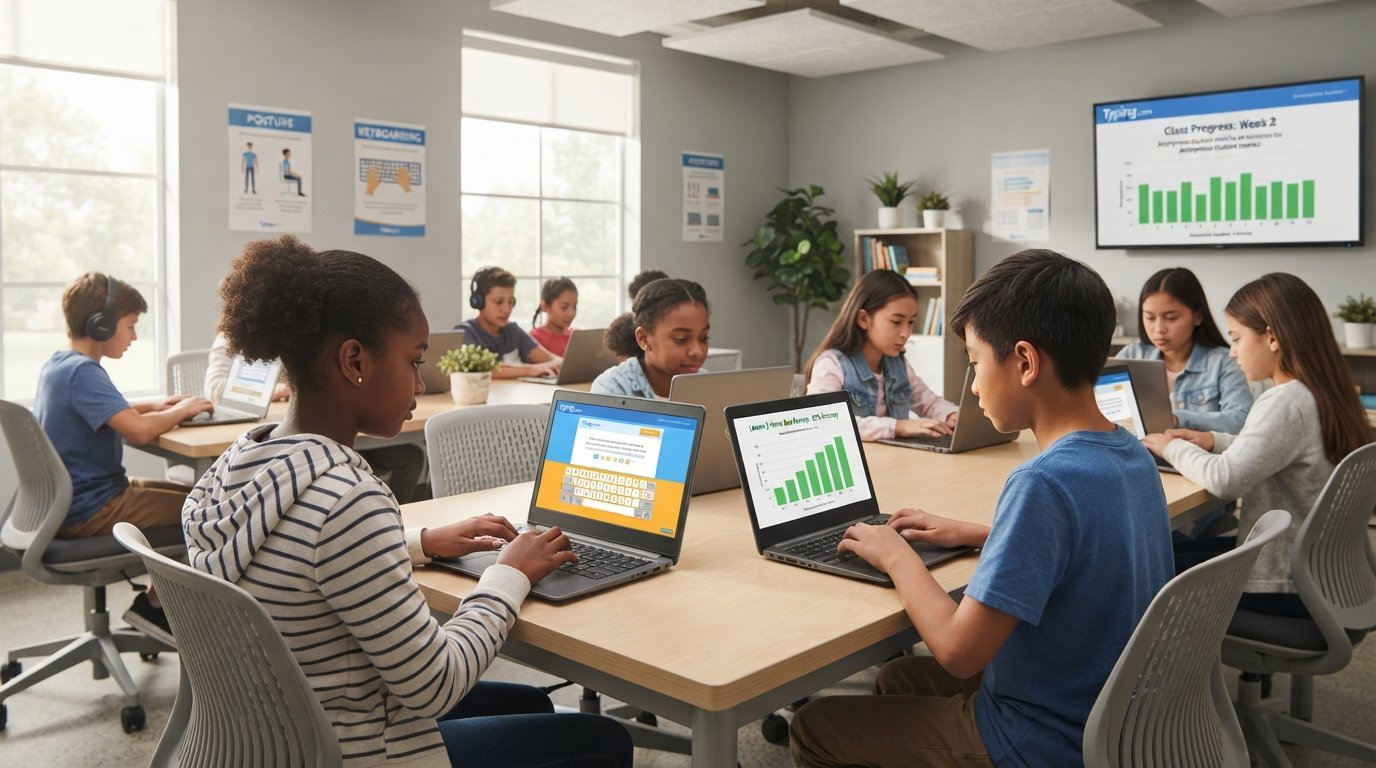
Typing.com is a free, web based typing program built for K through 12 education. It is owned and operated by Teaching.com, the same company behind other classroom tools. The platform reports more than 38 million student accounts and over 677,000 teachers using it worldwide, which makes it one of the largest typing education tools in the country.
Unlike older desktop typing software, typing.com runs entirely in a browser. There is nothing to install, and students can pick up right where they left off on any computer with internet access. The curriculum goes beyond basic keyboarding. It also covers digital citizenship, coding basics, word processing, and even AI literacy lessons, which is a newer addition aimed at teaching students how to use AI tools responsibly.
Typing.com is also a Google for Education partner and holds SOC 2, NIST Privacy, and 1EdTech certifications. For a tool that handles student data, those credentials matter, and we will cover the privacy details later in this guide.
Typing.com Login Options Explained
One of the most common search queries around this platform is simply how to log in, so let’s break down each path clearly.
Typing.com Student Login
Students sign in through the typing.com student login page. A student account does not require an email address. Instead, students can create a username and password, or their teacher can set up class rosters in bulk. Because no personal email is needed, this keeps younger students’ data footprint small, which is a deliberate privacy choice by the platform.
Typing.com Teacher Login
Teachers use a separate instructor login portal hosted on a different subdomain. From the teacher dashboard, educators can create classes, assign specific lessons or tests, and pull detailed progress reports for every student. The teacher portal itself is free, with no limit on the number of students, classes, or schools a teacher can manage.
Signing In With Google Classroom, Clever, ClassLink, or Microsoft
If your school already uses a single sign on system, typing.com supports direct login through Google Classroom, Clever, ClassLink, and Microsoft accounts. This is a big time saver for IT departments because students do not need to remember another password, and rosters can sync automatically from the school’s existing system.
Typing.com Lessons Explained
The typing lessons are the core of the platform, and they are organized by skill level so students are not thrown into content that is too advanced or too easy.
Beginner Typing Lessons
Beginner lessons start with home row placement, usually introducing keys like J, F, and the space bar first, before slowly adding more letters. Each short lesson ends with a quick evaluation showing words per minute, accuracy percentage, time spent, and which specific keys gave the student trouble. That last detail is genuinely useful because it tells a struggling typist exactly where to focus next instead of just repeating the whole lesson.
Intermediate Typing Lessons
Once a student can comfortably find most keys without looking down, intermediate lessons introduce punctuation, numbers, and longer passages. The pace increases gradually, which keeps the learning curve from feeling like a sudden jump.
Advanced Typing Lessons
Advanced lessons push speed and endurance with longer, more complex text blocks. These lessons are a good fit for middle and high school students who already type reasonably well but want to break past a speed plateau, such as moving from 35 words per minute toward 60 or more.
Specialty and Cross Curricular Lessons
Beyond the core keyboarding path, typing.com includes specialty units covering subjects like word processing, spreadsheets, and presentations inside simulated apps with automatic grading. There is also cross curricular typing practice, where students type real grade level content from science, math, and world language classes. This means typing practice is reinforcing other subjects at the same time, which classroom teachers tend to appreciate because it is not wasted screen time.
Typing.com Typing Test Explained
The typing test is a separate tool from the lessons, and it is what most people searching for “typing.com typing test” or “typing.com wpm test” actually want.
1 Minute, 3 Minute, and 5 Minute Tests
Typing.com offers three standard test lengths. The one minute test is the quickest way to check your current speed. The three minute and five minute tests give a more reliable average because they smooth out any early nerves or a slow start. If you are preparing for a job application that lists a minimum typing speed requirement, the five minute test is the closest match to how most employers actually measure it.
How Your WPM and Accuracy Are Calculated
Typing speed is measured in words per minute, commonly shortened to WPM. Most typing platforms, including typing.com, calculate net WPM, which subtracts your errors from your raw typing speed. This matters because raw speed alone can be misleading. Someone who types 70 words per minute with a 10 percent error rate is actually less productive at real tasks than someone typing 55 words per minute at 98 percent accuracy, since every mistake has to be found and corrected later.
For general context, typing speed benchmarks across most sources look roughly like this: under 30 WPM is considered a beginner range, 30 to 60 WPM is average for most adults, and 60 to 80 WPM or higher is considered a strong professional typing speed. The fastest recorded sustained typing speeds sit close to 150 WPM, though that level is extremely rare outside of competitive typing.
Typing.com Certificate
After completing a typing test, typing.com generates a certificate showing your results. Teachers often have students complete these at the start and end of a semester to document measurable growth, and many students print them out or save them as part of a digital portfolio for job or college applications.
Typing.com Typing Games
Typing.com includes a library of typing games designed to make repetitive keyboard practice feel less like a chore. Games like Nitro Type style multiplayer racing and Z Type turn speed and accuracy drills into something closer to an arcade experience.
These games are especially effective for younger students or anyone who finds traditional lessons repetitive. The games still track speed and accuracy in the background, so the practice is productive even though it feels like play.
Is Typing.com Free
Yes, the core typing.com experience is free. Students can access lessons, typing tests, and typing games without paying anything, and the teacher dashboard with unlimited classes and reporting is also free for individual educators. This is a major reason the platform has become a default choice for public schools working with limited technology budgets.
Typing.com Plus Edition
Typing.com also offers a paid tier called Plus Edition, aimed primarily at schools and districts rather than individual users. The paid version typically removes ads, adds extra customization options for lesson plans, and expands reporting features for administrators tracking typing progress across an entire school or district. For a single student or parent just looking to learn touch typing, the free version covers the vast majority of what you actually need.
Typing.com for Teachers and Schools
Typing.com was built with classrooms in mind first, and the feature set reflects that.
Typing.com Teacher Portal Features
From the teacher portal, educators can assign specific lessons to individual students or entire classes, set custom pacing, and generate reports that show class wide trends instead of checking each student one by one. The platform also states it is correlated to more than 2,000 educational standards, covering national frameworks and all 50 states, which helps teachers justify the tool for curriculum compliance. Texas has specifically adopted typing.com for its Technology Applications courses under a recent state proclamation, which gives a sense of how deeply embedded the platform is in public school technology curriculum.
Typing.com for Homeschool
Homeschool families get a dedicated homeschool path as well. A parent can set up a simplified version of the teacher dashboard to track one or several children, assign lessons based on grade level, and monitor progress without needing a full school district account. This makes typing.com a reasonable choice if you are building a homeschool curriculum and do not want to buy separate paid typing software.
How Typing.com Compares to Other Typing Tools
Typing.com is far from the only free typing platform, and competitors like TypingClub and TypingTest.com cover similar ground. What tends to set typing.com apart is the breadth of its curriculum. Where many typing sites focus purely on keyboarding drills, typing.com bundles in digital citizenship, basic coding lessons, and office application practice inside one login. For a classroom teacher who needs a single tool that checks several technology standards at once, that combination saves setup time compared to stitching together multiple separate programs.
The tradeoff is that the free version does include ads, which is common across most free typing platforms and is usually solved at the school level through the Plus Edition rather than an individual purchase.
How to Improve Your Typing Speed With Typing.com
Signing up for an account is the easy part. Actually getting faster takes a bit of strategy.
Fix Problem Keys
After each lesson, look at the problem keys the platform flags for you. Spend an extra few minutes specifically drilling those letters instead of just repeating the full lesson from scratch. Targeted practice closes gaps much faster than general repetition.
Practice Accuracy Before Speed
It is tempting to race through lessons as fast as possible, but speed built on bad habits is hard to unlearn later. Slow down slightly, focus on hitting the correct key every time without looking at the keyboard, and let speed increase naturally as the motion becomes automatic.
Build a Short Daily Habit
Ten to fifteen minutes of practice most days of the week beats one long session once a week. Typing is a motor skill, similar to learning an instrument, and consistency trains muscle memory far more effectively than cramming.
Common Mistakes People Make When Learning to Type
A few patterns show up again and again with new typists.
- Looking down at the keyboard constantly, which prevents the brain from building true muscle memory
- Using only two or three fingers instead of proper touch typing form
- Skipping the home row basics because they feel too easy, then struggling later with accuracy
- Practicing only through games without ever reinforcing proper finger placement
- Measuring progress only by speed and ignoring accuracy, which leads to messy real world typing
Avoiding these habits early makes a noticeable difference in how quickly someone reaches a comfortable, professional typing speed.
Typing.com Privacy and Data Safety
For a platform used heavily by children, privacy is a legitimate concern for parents and IT administrators. Typing.com states that students never need to provide an email address to create an account, personally identifiable information is never required and is never shared or sold, all communication is TLS encrypted, and student data is never used to train AI models. The platform also holds SOC 2 and NIST Privacy certifications, which are independent audits of how a company handles data security.
For families or schools weighing different EdTech tools, these are reasonable baseline protections to look for, and typing.com publishes its full privacy policy for anyone who wants the complete legal detail.
Frequently Asked Questions
Final Thoughts
Typing.com has earned its place as one of the most trusted free typing platforms in American schools, and the research backs that up. The lessons are structured well for different skill levels, the typing tests give a realistic measure of speed and accuracy, and the privacy practices are solid for a tool built around student data. Whether you are a parent helping a child build an essential skill, a teacher looking for a standards aligned curriculum tool, or an adult brushing up before a job application, typing.com gives you a genuinely free and capable way to get there. For a deeper look at the mechanics behind touch typing technique, Wikipedia’s overview of touch typing is a solid additional resource.
Source Links
- https://www.typing.com
- https://www.typing.com/student/tests
- https://www.typing.com/teachers
- https://www.typing.com/premium
- https://www.typing.com/homeschool
- https://www.typing.com/privacypolicy
- https://en.wikipedia.org/wiki/Touch_typing